Why is AWS cost optimization important for engineering teams?
AWS cost optimization is crucial because it allows engineering teams to maintain high application performance while minimizing unnecessary cloud expenses. By using the right tools and strategies, teams can avoid over-provisioning, reduce waste, and ensure resources are efficiently allocated, leading to better budget control and more funds for innovation. (Source: Original Webpage)
What are the main benefits of AWS optimization?
The main benefits include cost reduction, improved performance, resource efficiency, operational agility, increased uptime and reliability, environment-specific optimization, and long-term sustainability. These benefits ensure that every dollar spent delivers business value and that cloud environments remain efficient as workloads grow. (Source: Original Webpage)
What are the primary cost drivers in AWS environments?
The primary cost drivers in AWS are compute costs (EC2, Lambda, containers), storage costs (S3, EBS, Glacier, EFS), and data transfer costs. Understanding these drivers helps teams target optimization efforts where they matter most. (Source: Original Webpage)
How do AWS pricing models impact cloud costs?
AWS pricing models—On-Demand, Reserved Instances, Spot Instances, and Savings Plans—allow you to tailor cloud spend to your needs. Choosing the right model can lead to significant savings, while the wrong choice can result in overspending. Blending models based on workload predictability is key to maximizing cost efficiency. (Source: Original Webpage)
What is rightsizing in AWS and why is it important?
Rightsizing involves adjusting instance types and sizes to match actual workload requirements. It prevents over-provisioning, reduces costs, and ensures optimal performance. Tools like AWS Compute Optimizer and Sedai can automate and continuously monitor rightsizing. (Source: Original Webpage)
How can teams automate AWS cost optimization?
Teams can automate AWS cost optimization by using tools that support auto scaling, intelligent scheduling, anomaly detection, and automated cost monitoring. Platforms like Sedai, AWS Cost Explorer, and AWS Budgets provide automation features that reduce manual intervention and ensure ongoing efficiency. (Source: Original Webpage)
What is FinOps and how does it help with AWS cost optimization?
FinOps is a model that brings finance, operations, and engineering together to ensure shared accountability for cloud spending. It helps teams adopt consumption-based models, measure efficiency, and align cloud costs with business goals, making cost optimization a continuous discipline. (Source: Original Webpage)
How can teams measure the success of AWS cost optimization efforts?
Success can be measured by tracking cost savings over time, resource utilization efficiency, and the alignment of cloud spend with business objectives. Tools like AWS Cost Explorer and Sedai provide analytics to assess the impact and ROI of optimization strategies. (Source: Original Webpage)
Can AWS cost optimization tools help reduce unexpected costs?
Yes, tools with anomaly detection features, such as AWS Cost Anomaly Detection and Sedai, can identify unusual spending patterns early. This enables teams to react quickly and avoid unexpected costs, making the optimization process proactive. (Source: Original Webpage)
What are some actionable strategies for AWS cost optimization?
Actionable strategies include adopting FinOps, rightsizing compute and storage, using the right pricing models, automating scaling, optimizing storage and data transfer, implementing cost allocation and tagging, modernizing with serverless and containers, eliminating inefficiencies, using AI-driven anomaly detection, automating cost monitoring, optimizing databases, consolidating billing, managing cross-region resources, and regularly reviewing resource utilization. (Source: Original Webpage)
How does Sedai help with AWS cost optimization?
Sedai provides an autonomous optimization layer for AWS environments, using machine learning and AI to continuously fine-tune cloud resources, cut costs, and enhance performance. It automates rightsizing, predictive autoscaling, cost-aware purchasing, anomaly detection, and cost attribution, allowing engineering teams to focus on innovation while Sedai manages ongoing optimization. (Source: Original Webpage)
What are the key features of Sedai for AWS optimization?
Key features include autonomous cloud resource rightsizing, predictive autoscaling, cost-aware purchasing optimization, autonomous anomaly detection and remediation, comprehensive cost attribution, multi-service and multi-region optimization, continuous behavior model updates, and performance and reliability monitoring. (Source: Original Webpage)
What measurable results can Sedai deliver for AWS environments?
Sedai can deliver over 30% reduced cloud costs, 75% improved application performance, 70% fewer failed customer interactions, 6X greater productivity, and manages over $3 billion in annual cloud spend. (Source: Original Webpage)
Who is Sedai best suited for?
Sedai is best for engineering teams managing large, fast-changing AWS environments, especially those with cloud-native architectures, microservices, and Kubernetes workloads. It's ideal for organizations seeking ongoing AWS optimization without manual intervention. (Source: Original Webpage)
How does Sedai compare to other AWS cost optimization tools?
Sedai stands out by offering autonomous, AI-driven optimization, predictive autoscaling, and closed-loop remediation. While other tools provide reporting, alerts, or manual recommendations, Sedai continuously and automatically adjusts resources, ensuring cost, performance, and reliability are balanced without manual effort. (Source: Original Webpage)
What are the risks of relying on traditional scripts for AWS cost optimization?
Traditional scripts often cut costs at the expense of performance or reliability. They lack continuous intelligence and can result in static, one-off changes that don't adapt to workload shifts, potentially causing laggy apps or downtime. (Source: Original Webpage)
How does Sedai ensure performance and reliability during optimization?
Sedai uses specialized agents to separate cost, performance, and availability, applying only changes that preserve SLAs and workload reliability. It tracks latency, error rates, and resource consumption to ensure optimizations are safe and effective. (Source: Original Webpage)
Features & Capabilities
What features does Sedai offer for cloud optimization?
Does Sedai support multi-cloud and hybrid environments?
Yes, Sedai optimizes compute, storage, and data across AWS, Azure, GCP, and Kubernetes environments, providing unified cloud management for modern application teams. (Source: Knowledge Base)
What is Sedai's approach to autonomous optimization?
Sedai uses machine learning to autonomously optimize cloud resources for cost, performance, and availability, eliminating manual intervention and ensuring continuous improvement. (Source: Knowledge Base)
How does Sedai handle proactive issue resolution?
Sedai detects and resolves performance and availability issues before they impact users, reducing failed customer interactions by up to 50% and ensuring seamless operations. (Source: Knowledge Base)
What integrations does Sedai support?
Sedai integrates with monitoring and APM tools (Cloudwatch, Prometheus, Datadog, Azure Monitor), Kubernetes autoscalers (HPA/VPA, Karpenter), IaC and CI/CD tools (GitLab, GitHub, Bitbucket, Terraform), ITSM tools (ServiceNow, Jira), notification tools (Slack, Microsoft Teams), and various runbook automation platforms. (Source: Knowledge Base)
What security and compliance certifications does Sedai have?
Sedai is SOC 2 certified, demonstrating adherence to stringent security requirements and industry standards for data protection and compliance. (Source: Knowledge Base)
How does Sedai ensure safe and auditable changes?
Sedai integrates with Infrastructure as Code (IaC), IT Service Management (ITSM), and compliance workflows, ensuring all changes are safe, validated, and auditable. (Source: Knowledge Base)
Use Cases & Business Impact
What business impact can customers expect from using Sedai?
Customers can expect up to 50% cost savings, 75% latency reduction, 6X productivity gains, 50% fewer failed customer interactions, enhanced reliability, and improved release quality. These outcomes are supported by case studies from companies like Palo Alto Networks, KnowBe4, and Belcorp. (Source: Knowledge Base)
Who can benefit from using Sedai?
Sedai is designed for platform engineers, IT/cloud ops, technology leaders, site reliability engineers (SREs), and FinOps professionals in organizations with significant cloud operations across industries such as cybersecurity, IT, financial services, healthcare, travel, and e-commerce. (Source: Knowledge Base)
What industries are represented in Sedai's case studies?
Industries include cybersecurity (Palo Alto Networks), IT (HP), financial services (Experian, CapitalOne Bank), security awareness training (KnowBe4), travel and hospitality (Expedia), healthcare (GSK), car rental services (Avis), retail and e-commerce (Belcorp), SaaS (Freshworks), and digital commerce (Campspot). (Source: Knowledge Base)
Can you share specific customer success stories with Sedai?
Yes. KnowBe4 achieved 50% cost savings and saved $1.2 million on AWS; Palo Alto Networks saved $3.5 million and reduced Kubernetes costs by 46%; Belcorp reduced AWS Lambda latency by 77%. See more at Sedai's resources page. (Source: Knowledge Base)
Competition & Comparison
How does Sedai compare to other AWS cost optimization tools like nOps, CloudHealth, or CloudCheckr?
Sedai differentiates itself with 100% autonomous optimization, proactive issue resolution, application-aware intelligence, and full-stack cloud coverage. While other tools may focus on reporting, manual recommendations, or specific areas, Sedai provides a holistic, automated approach that continuously optimizes cost, performance, and reliability. (Source: Knowledge Base)
What unique features set Sedai apart from competitors?
Unique features include autonomous optimization, proactive issue resolution, application-aware intelligence, release intelligence, plug-and-play implementation, and full-stack coverage. These enable Sedai to deliver measurable cost savings, performance improvements, and operational efficiency beyond what traditional tools offer. (Source: Knowledge Base)
Why choose Sedai over traditional AWS cost optimization tools?
Sedai offers always-on, autonomous optimization, proactive issue prevention, outcome-focused intelligence, comprehensive cloud coverage, safety-by-design, and rapid implementation. These advantages help organizations achieve higher ROI, reduce manual toil, and ensure safe, reliable cloud operations. (Source: Knowledge Base)
Pain Points & Problem Solving
What common pain points does Sedai address for engineering teams?
Sedai addresses fragmentation, repetitive toil, risk vs. speed trade-offs, autoscaler limits, the visibility-action gap, and multi-tenant fairness. It automates routine tasks, aligns cost and performance goals, and provides actionable insights. (Source: Knowledge Base)
How does Sedai help IT/Cloud Ops teams with cost and operational challenges?
Sedai reduces ticket volume and toil, manages change risk, addresses config drift and sprawl, handles hybrid complexity, and prevents capacity and cost surprises through automation and unified governance. (Source: Knowledge Base)
What problems does Sedai solve for technology leaders?
Sedai addresses the outcome gap, cloud spend pressure, risk and compliance concerns, tool sprawl, and talent bandwidth issues by delivering measurable ROI, reducing cloud spend, and automating optimization. (Source: Knowledge Base)
Implementation & Support
How long does it take to implement Sedai?
Sedai's setup process takes just 5 minutes for general use cases and up to 15 minutes for specific scenarios like AWS Lambda. More complex environments may require additional time. (Source: Knowledge Base)
How easy is it to get started with Sedai?
Sedai offers plug-and-play implementation, agentless integration via IAM, personalized onboarding, detailed documentation, a community Slack channel, and a 30-day free trial for risk-free evaluation. (Source: Knowledge Base)
What support resources are available for Sedai users?
Sedai provides technical documentation, onboarding calls, a dedicated Customer Success Manager for enterprise customers, community Slack, and email/phone support. Resources are available at docs.sedai.io and sedai.io/resources. (Source: Knowledge Base)
What feedback have customers given about Sedai's ease of use?
Customers highlight Sedai's quick setup (5–15 minutes), agentless integration, personalized onboarding, comprehensive documentation, and risk-free trial as key factors contributing to its ease of use. (Source: Knowledge Base)
Optimizing AWS costs involves balancing cost, performance, and availability. Traditional scripts often cut costs at the expense of performance. Real savings come from continuous optimization, combining AI-driven automation, FinOps principles, and intelligent scaling. Tools like Sedai use multi-agent systems to simulate changes and ensure resource adjustments meet performance and SLA thresholds, delivering lasting cost reduction without sacrificing reliability.
Engineering teams today lean heavily on AWS because it promises agility, scalability, and the kind of efficiency you simply can’t build in a data center without burning years of budget.
However, without a structured cost management approach, you can overspend by up to33% on AWS cloud resources.
Optimization Strategies That Reduce EC2 Costs & Improve Resource Efficiency
See how Sedai uses autonomous optimization to continuously reduce EC2 costs, rightsize cloud resources, optimize purchasing decisions, and maintain performance without impacting reliability.
This overspend shows up as real trade-offs: less budget for innovation, slower hiring, and projects that stall before they launch. While cost reduction is top‑of‑mind, optimization is about balancing cost, performance, and availability.
Customers won’t tolerate laggy apps, and your CFO won’t tolerate wasted resources. Relying on traditional scripts or one-off cost-cutting exercises often ends up hurting performance or reliability.
That’s why real savings come from continuous optimization that brings together FinOps principles, deep engineering insight, and AI-driven intelligent automation.
In this blog, you’ll explore top optimization tools and strategies that matter in 2026, helping you use and implement them to achieve long-lasting results.
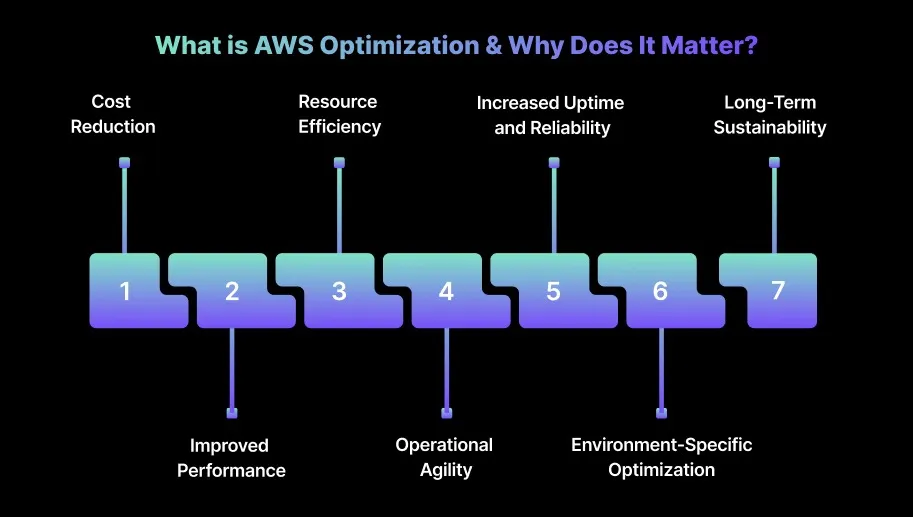
What is AWS Optimization & Why Does It Matter?
When we talk about AWS optimization, we’re not talking about cutting costs for the sake of a lower bill. AWS optimization is the ongoing process of matching cloud resources to application needs, ensuring that every dollar spent delivers business value.
Consider a web application running on EC2 instances. The app sees heavy traffic during weekdays but much lower activity on weekends. Without optimization, you could keep all EC2 instances running at full capacity all week, resulting in unnecessary costs.
Here’s why AWS optimization matters:
1. Cost Reduction
Unoptimized AWS resources often lead to over-provisioning, where you end up paying for more compute, storage, or bandwidth than necessary. You can prevent this waste by rightsizing EC2 instances, using reserved or spot instances, and choosing the right storage classes.
2. Improved Performance
Continuously optimizing resources based on workload demand ensures applications run efficiently. Right-sizing instances and using auto-scaling can reduce latency, improve throughput, and optimize compute and memory allocation.
3. Resource Efficiency
Over-provisioned resources waste both money and cloud capacity. AWS optimization helps you fine-tune resource allocation, ensuring only the necessary resources run and are scaled as needed. This reduces operational costs and prevents resource contention
4. Operational Agility
AWS environments are dynamic, and workloads change frequently. Optimization tools let you automate scaling and resource allocation, reducing manual intervention. This frees up time for higher-priority work and ensures systems adapt to demand in real time.
5. Increased Uptime and Reliability
Proper optimization keeps resources available when needed, without performance drops. By managing scaling, load balancing, and failover automatically, AWS optimization helps teams meet Service Level Objectives (SLOs) and uptime goals.
6. Environment-Specific Optimization
AWS optimization tailors configurations for specific use cases, whether it’s serverless functions (AWS Lambda), containerized workloads (ECS, EKS), or storage management (S3, EBS). This targeted approach increases efficiency across environments.
7. Long-Term Sustainability
As workloads grow, AWS costs can spiral without proper monitoring. Optimization helps you build scalable systems while keeping costs under control.
By continuously monitoring and adjusting resource allocation, your team can maintain predictable cloud spending even as usage scales.
One of the fastest ways AWS costs spiral is by picking the wrong pricing model. Understanding how to choose the right pricing model can have a significant impact on how much we spend on AWS services.
AWS offers several pricing models that allow you to tailor your cloud spend to your specific needs. The key pricing models include On-Demand, Reserved Instances (RIs), Spot Instances, and Savings Plans.
On-Demand Instances: These are the most flexible option, where you pay for compute capacity by the hour or second with no long-term commitment. This model is ideal when workloads are unpredictable or temporary. However, the pay-as-you-go model can get expensive, especially for workloads that run 24/7.
Reserved Instances (RIs): Reserved Instances offer significant savings, up to 72%, compared to On-Demand pricing in exchange for a one- or three-year commitment. This is ideal for predictable workloads that run continuously, such as web servers or databases. By paying upfront or over time, we can lock in discounted rates.
Spot Instances: Spot Instances allow bidding on unused AWS capacity at a steep discount, sometimes up to 90% off the price of On-Demand instances. However, these instances can be interrupted, making them suitable only for fault-tolerant or flexible workloads like batch processing or CI/CD pipelines.
Savings Plans: AWS Savings Plans are a flexible pricing model that offers savings in exchange for a commitment to a consistent amount of usage over one or three years. Unlike Reserved Instances, they apply to a broader range of services (not just EC2) and allow more flexibility in the instance types and regions we use. The Compute Savings Plan, for instance, covers EC2, Fargate, and Lambda.
How Choosing the Right Pricing Model Can Impact Cost Savings?
We’ve seen firsthand how the right choice of pricing model can reduce costs drastically. One of the most common mistakes we’ve seen is teams defaulting to On-Demand because it “feels safe,” only to discover months later that their 24/7 workloads could have been running on Reserved Instances at half the cost. It’s the kind of oversight that doesn’t show up in sprint planning but definitely shows up in the CFO’s office.
Reserved Instances and Savings Plans work best when you know your baseline. If you can commit, the savings are undeniable. We’ve had organizations lock in multi-year commitments for steady workloads like databases and save more compared to On-Demand.
On the other hand, Spot Instances can be highly cost-effective for batch jobs or development environments, but if you try to run production on them, you’re essentially betting your uptime against AWS’s spare capacity.
The real work here isn’t choosing a single pricing model. It’s learning how to blend them without tripping over the trade-offs.
Cost efficiency that ignores performance leads to slower applications. Aggressive savings that ignore availability lead to unhappy customers. The balance is delicate, and static scripts or one-off cost cuts almost always break it. Real optimization means treating pricing models as tools in a kit, not switches you flip once and forget.
Cost Drivers in AWS: The Primary Contributors to Your Bill
Once you have figured out the best pricing model for our workloads, the next step is to understand the main cost drivers in AWS. AWS bills rarely fail because they’re unclear. They fail because they’re sprawling.
To optimize effectively, engineering leaders need to understand where the majority of costs originate and why they creep upward over time. Three major drivers that contribute to AWS spend are:
Compute Costs: This is often the biggest part of the AWS bill. EC2 instances, Lambda functions, and containers (ECS, EKS) all fall under this category. Compute costs are influenced by factors like instance type, size, region, and whether we’re using On-Demand, Reserved, or Spot instances.
Storage Costs: AWS provides multiple storage solutions, including S3, EBS, Glacier, and EFS. The storage class chosen for each service can drastically impact costs. For example, S3 Standard is more expensive than S3 Glacier, which is optimized for archiving. If you’re storing infrequently accessed data, switching to S3 Glacier or S3 Intelligent-Tiering can lead to substantial savings.
Data Transfer Costs: AWS charges for both inbound and outbound data transfer. While inbound data transfer is usually free, outbound data transfer can become expensive, especially if you’re transferring large volumes of data across regions or to the internet.
By mapping spend to these categories using native tools (Cost Explorer and Trusted Advisor) or third‑party platforms, teams can target optimization efforts where they matter most.
14 Best AWS Optimization Strategies to Reduce Your AWS Costs
Over the years, we’ve seen engineering teams obsess over the wrong things: scrambling to cut a few idle EC2 instances while missing massive waste elsewhere. Cost optimization isn’t a one-off exercise. It’s a continuous discipline.
The following strategies highlight the approaches that consistently deliver measurable savings in real-world AWS environments.
1. FinOps and the Well-Architected Cost Pillar
Cost optimization often breaks down when engineering teams rely only on tools and scripts without shared ownership. The FinOps model brings finance, operations, and engineering together, ensuring everyone is accountable for making cost-aware decisions.
How to optimize:
Adopt a consumption-based model: Track and allocate costs based on real usage instead of fixed budgets.
Measure efficiency: Use AWS Cost Explorer and AWS Budgets to measure efficiency trends and establish meaningful targets.
Attribute costs to business goals: Implement FOCUS 1.2 or similar frameworks for tagging multi-cloud billing data so every resource’s financial impact is clearly visible.
Tip: Align your FinOps process with quarterly business reviews to keep cloud spending aligned with changing business goals.
2. Rightsize Compute & Storage
Over-provisioning EC2 instances or RDS databases frequently leads to inefficiency. Effective rightsizing depends on understanding usage patterns, peak demand, and acceptable latency levels.
How to optimize:
Analyze instance utilization: Use AWS Compute Optimizer and CloudWatch for data-driven instance recommendations.
Implement Auto Scaling: Scale up or down automatically as workload patterns shift.
Simulate workloads: Before resizing, test workloads with tools like Sedai’s multi-agent system to ensure latency and throughput remain steady.
Tip: Always test performance under load before switching to smaller instances. Simulations help prevent performance issues while reducing costs.
3. Use the Right AWS Pricing Models
Relying on On-Demand instances for every workload can drive up costs quickly, especially for stable, predictable workloads.
How to optimize:
Use Reserved Instances (RIs): Commit RIs or Savings Plans for predictable workloads to secure long-term discounts.
Use Spot Instances: Run flexible, interruptible workloads on Spot Instances and save up to 90% compared to On-Demand pricing.
Blend pricing models: Use Spot for batch processing and RIs/Savings Plans for persistent services like databases and web applications.
Tip: Consider AWS Savings Plans when you need flexibility across multiple services and instance families, something traditional RIs don’t offer.
4. Automate Scaling with Intelligent Scheduling
Static provisioning or manual scaling rarely keeps up with changing demand, leading to unnecessary cloud costs. Automation ensures resources run only when needed.
How to optimize:
Set up Auto Scaling Groups: Scale resources automatically based on CPU, memory, or custom CloudWatch metrics.
Use Lambda for non-production: Shut down dev/test environments during off-hours to eliminate idle resource costs.
Combine Auto Scaling with ELB: Use Elastic Load Balancer to distribute demand efficiently during traffic spikes.
Tip: Use AWS Instance Scheduler to automate start/stop schedules for non-production environments and cut unnecessary off-hour costs.
5. Optimize Storage and Data Transfer
Storage and data transfer inefficiencies often stay unnoticed until the bill jumps. Misaligned storage classes quietly drive a large portion of cloud spend.
How to optimize:
Tier storage intelligently: Move rarely accessed data to cost-efficient S3 tiers like Glacier or S3 Intelligent-Tiering.
Right-size block storage: Use gp3 for most workloads instead of the expensive io1 tier unless high I/O performance is required.
Use CloudFront for caching: Reduce data transfer costs by caching frequently accessed content at edge locations.
Optimize EBS snapshots: Regularly clean up outdated or unused snapshots to prevent unnecessary charges.
Tip: Review S3 access patterns regularly and use lifecycle policies to transition unused data to lower-cost tiers automatically.
6. Implement Cost Allocation & Tagging
Good visibility depends on proper tagging and allocation. A strong tagging strategy helps track and optimize costs across teams, projects, and environments.
How to optimize:
Establish a consistent tagging model: Tag resources with attributes like team, environment, and project.
Use AWS Cost Explorer: Break down costs by tags to identify inefficiencies.
Automate tagging: Use Lambda and CloudFormation to enforce tagging policies for newly created resources.
Tip: Maintain a centralized tagging guideline so all teams use consistent and meaningful tags.
7. Modernize with Serverless, Containers, and Graviton
Modernizing workloads can improve cost efficiency, but correct configurations and tuning are crucial to avoid hidden costs.
How to optimize:
Use AWS Lambda: Move event-driven workloads to serverless to pay only for actual execution.
Use AWS Fargate: Run containers without managing servers, letting workloads scale with demand automatically.
Switch to Graviton processors: Migrate to Graviton for better price-performance on ECS, EKS, and EC2.
Tip: Continuously monitor cold-start times and memory allocation for serverless functions to maintain performance while keeping execution costs low.
8. Identify and Eliminate Inefficiencies Beyond the Obvious
Zombie resources, unused backups, and idle services often increase costs without appearing clearly in dashboards.
EC2 rightsizing works when it happens continuously, not quarterly. Book a demo to see how Sedai keeps your instances right-sized based on real workload behavior.
How to optimize:
Use AWS Trusted Advisor: Detect and remove unused EC2 instances, security groups, and EBS volumes.
Reduce cross-region transfers: Avoid unnecessary inter-region data movement to cut egress costs.
Perform routine audits: Review compute, network, and storage resources to find dormant or redundant assets.
Tip: Use AWS Config to automatically identify unused resources and misconfigurations for faster cleanup.
9. Utilize AI-Driven Anomaly Detection and Automation
Manual monitoring can’t keep pace with changing cloud environments. AI-powered tools catch cost anomalies early.
Teams needing cost optimization and security in regulated environments.
Top 22 AWS Cost Optimization Tools in 2026
As AWS environments continue to scale and become more complex, maintaining cost efficiency goes beyond occasional manual reviews. It calls for a strong, dependable toolkit.
Here’s a curated list of 22 AWS cost optimization tools that you should know in 2026 to keep cloud spend under control and strengthen financial discipline.
1. Sedai
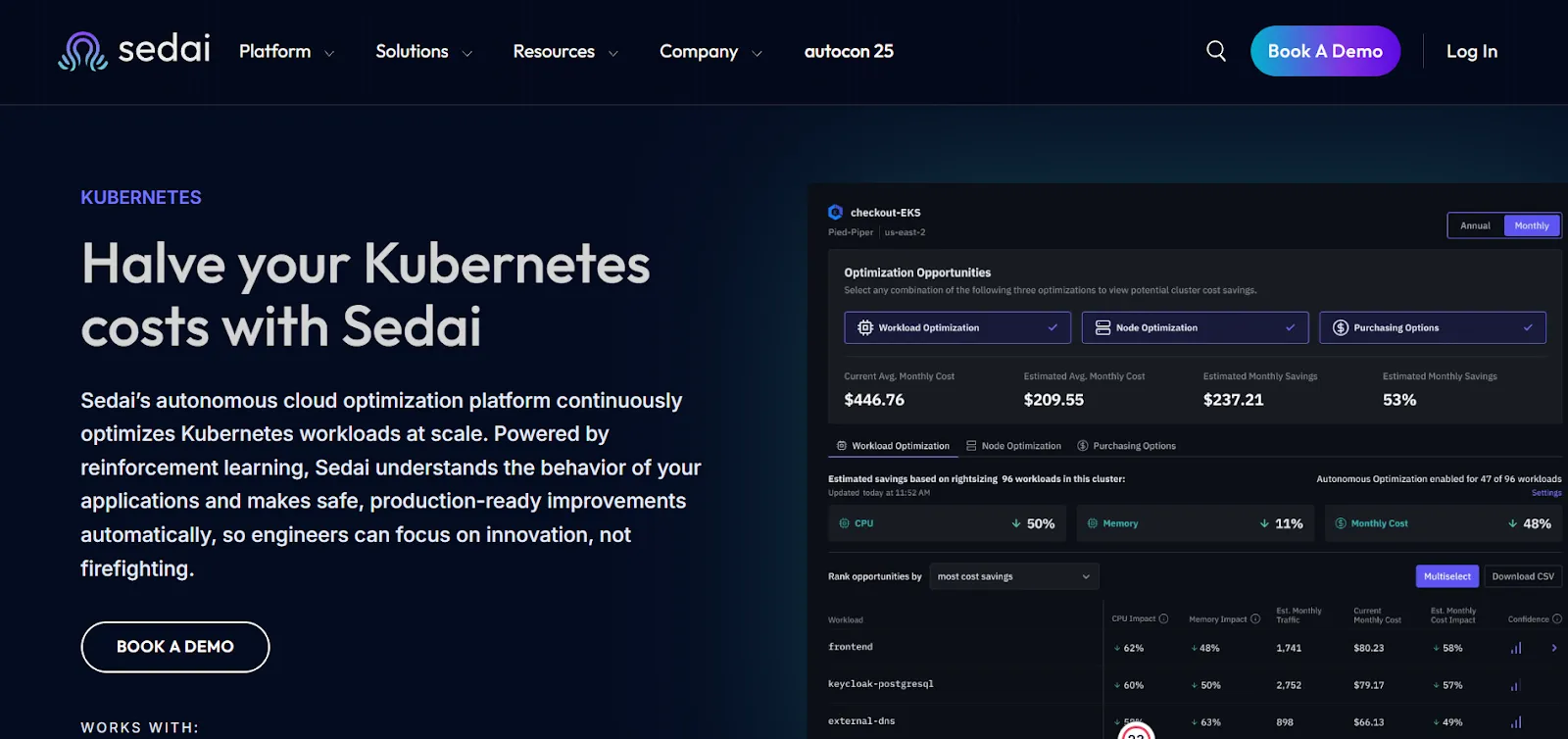
Sedai provides an autonomous optimization layer for AWS environments, using machine learning (ML) and artificial intelligence (AI) to continuously fine-tune cloud resources, cut costs, and enhance performance.
The platform evaluates real-time workload behavior and automatically adjusts AWS resources, ensuring compute, storage, and networking are always used efficiently, without engineers needing to step in.
Its closed-loop optimization engine studies how applications behave in production and aligns the cloud infrastructure to match those usage patterns.
By automating day-to-day cloud resource management, Sedai eliminates the need for constant manual tuning, performance adjustments, or cost tracking.
This allows engineering teams to focus more on innovation and product development, while Sedai quietly manages ongoing cloud optimization in the background.
Key Features:
Autonomous Cloud Resource Rightsizing: Sedai continuously assesses AWS services, including EC2, RDS, Lambda, and more, and automatically adjusts CPU, memory, instance types, and capacity according to actual usage trends.
Predictive Autoscaling: The platform builds predictive models based on historical traffic and resource data, enabling autoscaling that reacts ahead of demand spikes. This keeps performance stable while minimizing excess capacity.
Cost-Aware Purchasing Optimization: Sedai intelligently identifies the ideal mix of on-demand, reserved, and spot instances, using workload behavior to help teams minimize AWS costs without affecting performance.
Autonomous Anomaly Detection & Remediation: The system identifies issues such as memory leaks, resource saturation, or elevated error rates and automatically implements fixes to maintain service health and availability.
Comprehensive Cost Attribution for AWS Resources: Sedai provides detailed cost attribution across services, regions, and individual resources, offering clear visibility into where AWS spend is concentrated.
Multi-Service and Multi-Region Optimization: The platform supports a wide range of AWS services, spanning EC2, Lambda, S3, RDS, and more, and operates across multiple regions to deliver consistent optimization everywhere.
Continuous Behavior Model Updates: As workloads shift over time, Sedai adapts automatically, learning from new patterns and making real-time adjustments to resource allocation.
Performance and Reliability Monitoring: Sedai ensures that optimizations are safe, tracking latency, error rates, and resource consumption so performance and reliability remain strong.
Here’s how Sedai delivers value:
Metrics
Key Details
30%+ Reduced Cloud Costs
Sedai optimizes cloud resources based on real-time usage data, cutting unnecessary costs without compromising performance.
75% Improved App Performance
By adjusting resource allocations, Sedai reduces latency, enhances throughput, and improves user experience.
70% Fewer Failed Customer Interactions (FCIs)
Proactive issue detection and remediation keep services available, preventing downtime and customer impact.
6X Greater Productivity
Automating cloud optimizations allows you to focus on strategic tasks rather than manual resource management.
$3B+ Cloud Spend Managed
Sedai manages over $3 billion in annual cloud spend, optimizing costs for organizations like Palo Alto Networks.
Best For:Sedai is well-suited for engineering teams managing large, fast-changing AWS environments, especially cloud-native architectures, microservices, and Kubernetes workloads.
It’s a strong fit for organizations that need ongoing AWS optimization for cost and performance but prefer to avoid manual intervention.
If you’re looking to instantly quantify the savings and performance improvements that Sedai can deliver, try ourROI calculator to estimate how much you could save on AWS with automated optimization.
2. AWS Cost Explorer
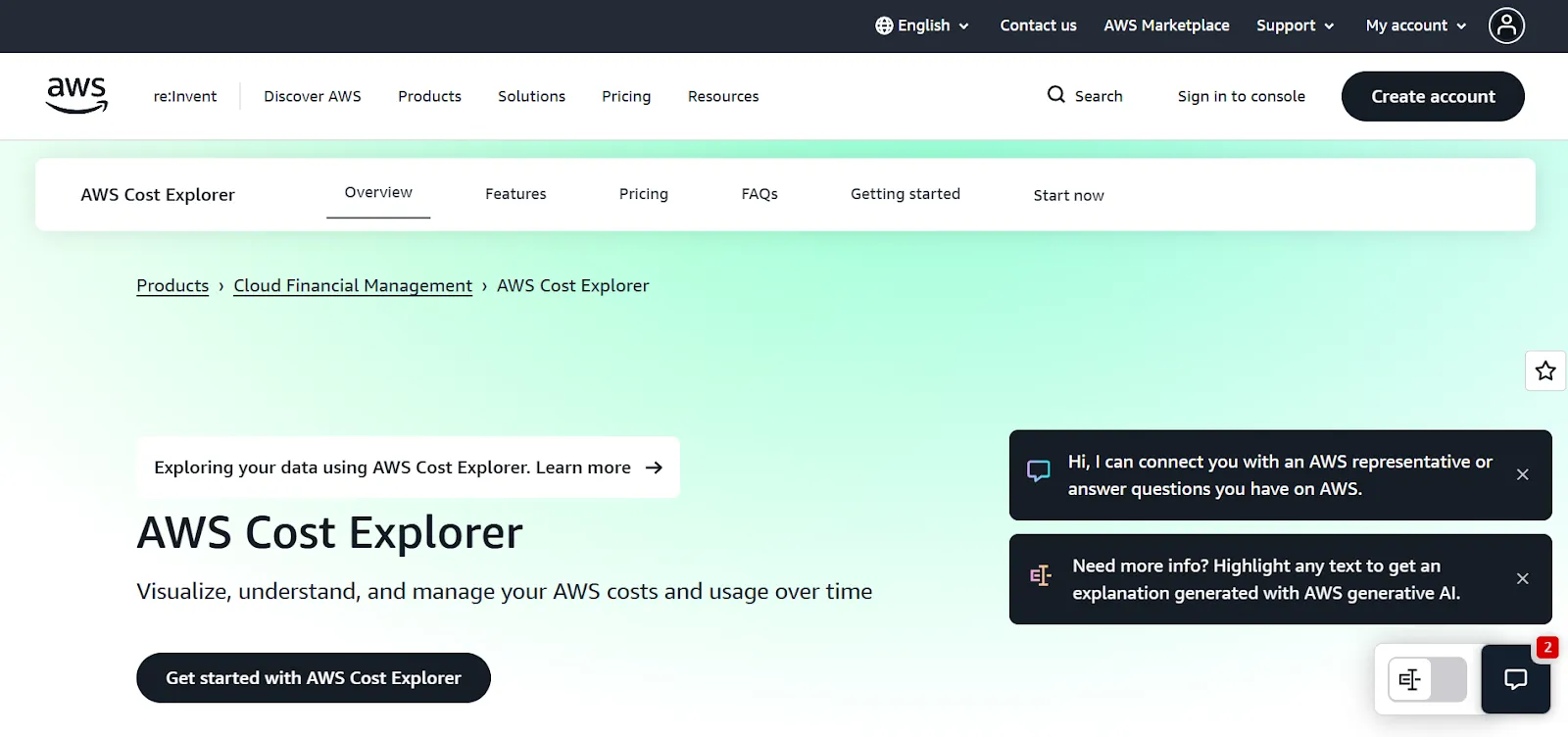
AWS Cost Explorer gives engineers a clear way to visualize, analyze, and manage spending trends across their AWS environment. It offers deep insights into cost distribution, helping teams stay aware of usage patterns and optimize their cloud spend more effectively.
Key Features:
Custom reporting: Lets you create detailed reports based on AWS spending patterns and usage behavior.
Cost breakdown: Breaks down spending by service, region, or linked account for a clearer view of where costs are coming from.
Best for: Teams that need strong cost visibility and historical analysis across services, regions, and multiple accounts.
3. AWS Budgets
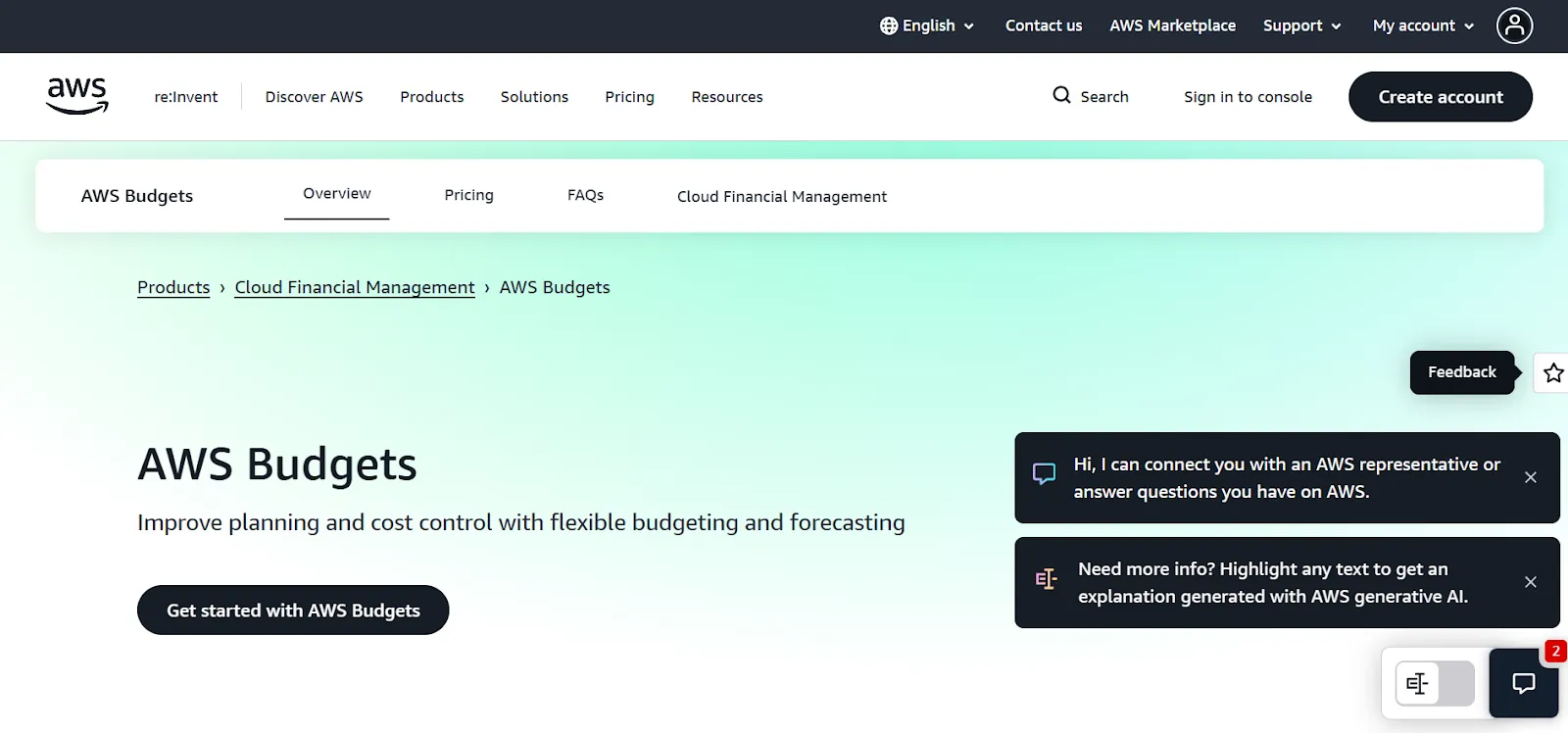
AWS Budgets allows you to set custom usage and cost thresholds, sending alerts when spending goes beyond your defined limits. It supports proactive cost control and helps teams avoid unwanted billing surprises.
Key Features:
Custom budget creation: Lets you define budgets for cost, usage, or Reserved Instance (RI) coverage.
Real-time alerts: Send notifications when spending approaches or exceeds your limits.
Detailed tracking: Offers ongoing visibility into spend patterns, helping you track progress against your budgets.
Best for: Teams that want to enforce budget rules, monitor usage, and get timely alerts around spend.
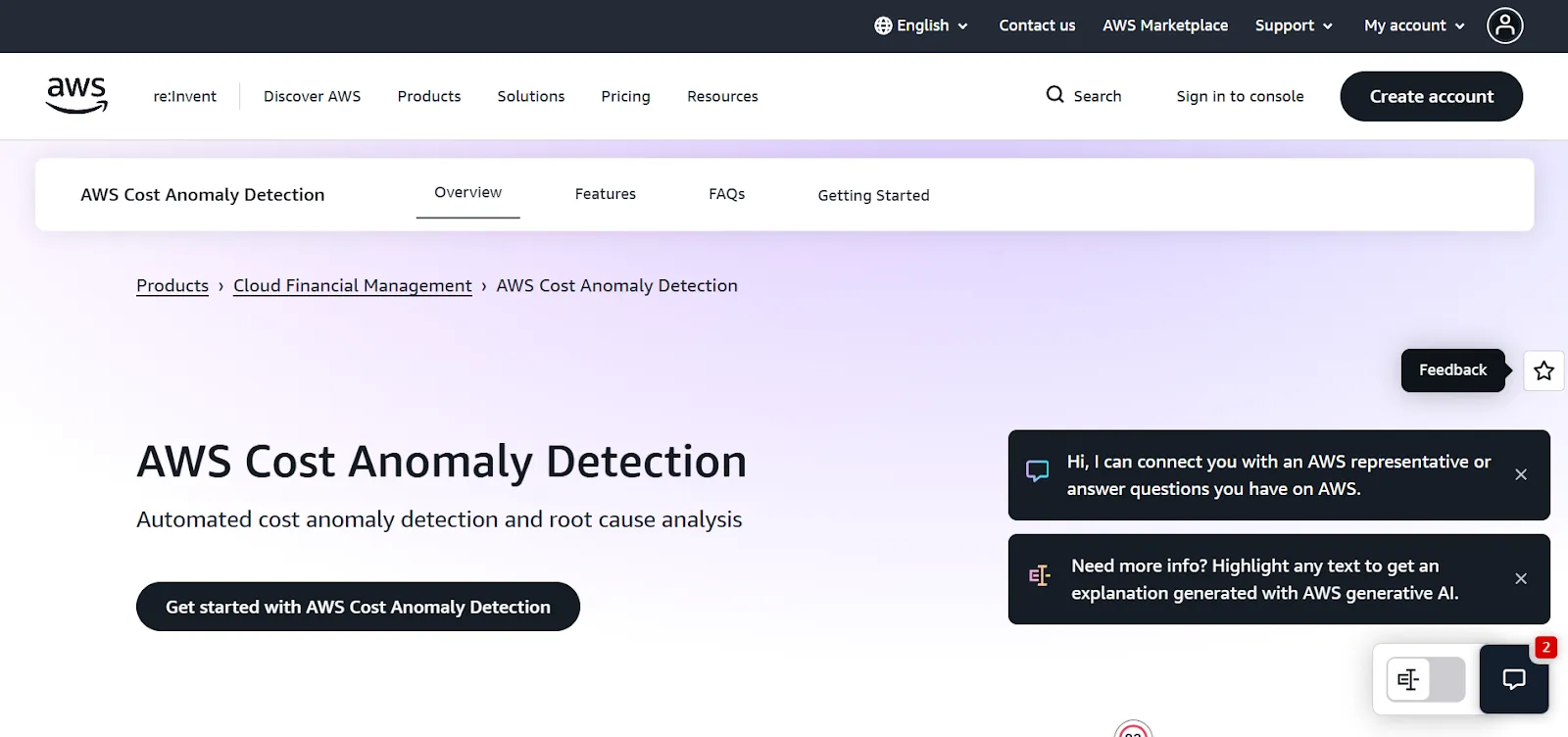
4. AWS Cost Anomaly Detection
AWS Cost Anomaly Detection uses machine learning to spot unusual spikes in usage or costs, allowing engineers to respond before expenses escalate. It’s an essential tool for teams that need early warnings about unexpected cost behavior.
Key Features:
Machine learning-based anomaly detection: Identifies anomalies by comparing current trends with historical patterns.
Automated alerts: Notifies you when sudden usage or cost increases occur.
Root cause analysis: Highlights the resources or accounts responsible for the cost spike.
Best for: Workloads where unexpected increases must be identified and addressed quickly.
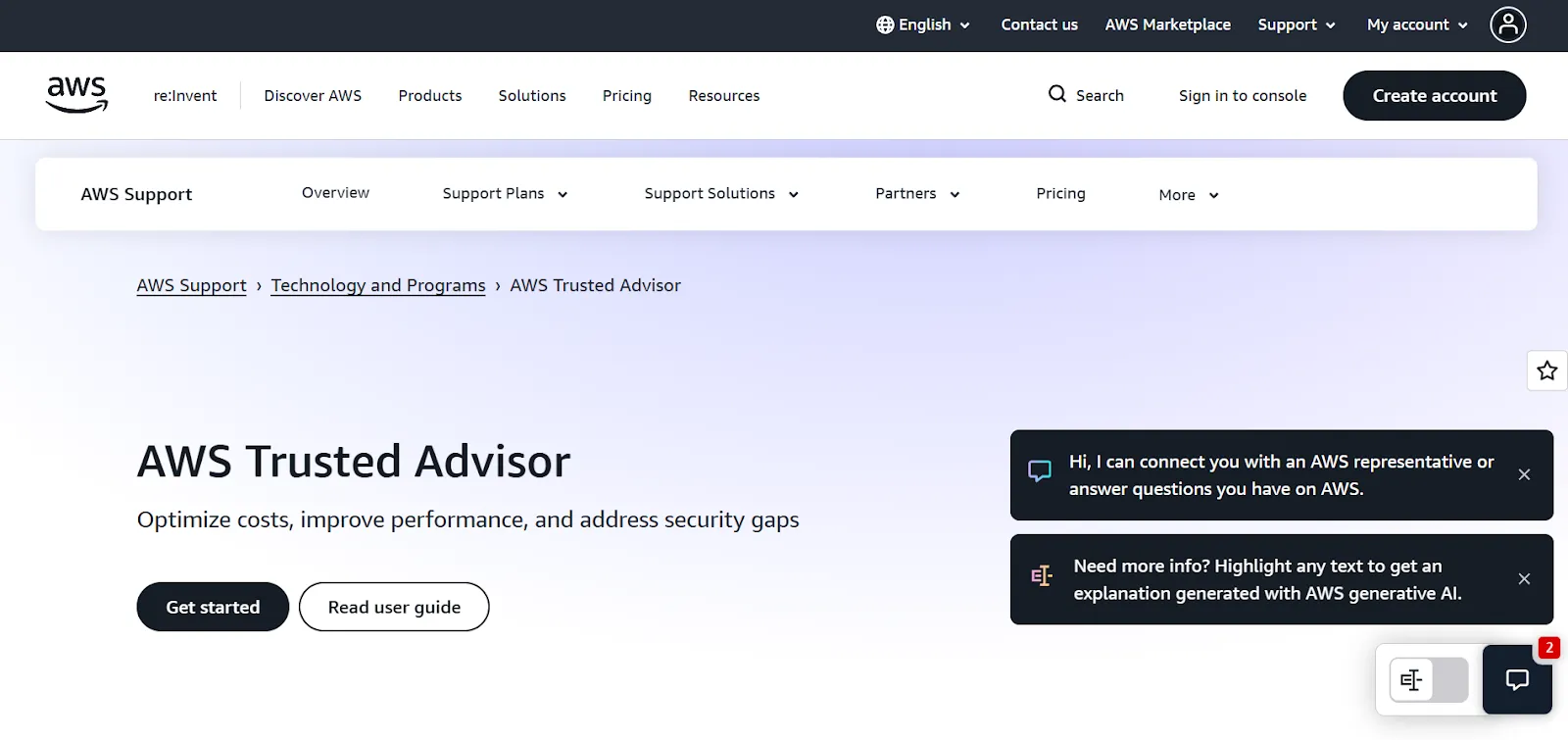
5. AWS Trusted Advisor
AWS Trusted Advisor reviews your AWS setup and provides real-time recommendations to improve cost efficiency, performance, and security. It helps identify waste, misconfigurations, and opportunities to optimize your environment.
Key Features:
Cost optimization suggestions: Flags idle or underused resources and recommends rightsizing or removal.
Security checks: Highlights configuration issues to improve compliance and security posture.
Performance improvements: Suggests ways to boost the performance of EC2, RDS, and other services.
Best for: Engineers who want practical, best-practice guidance on rightsizing and reducing unnecessary costs.
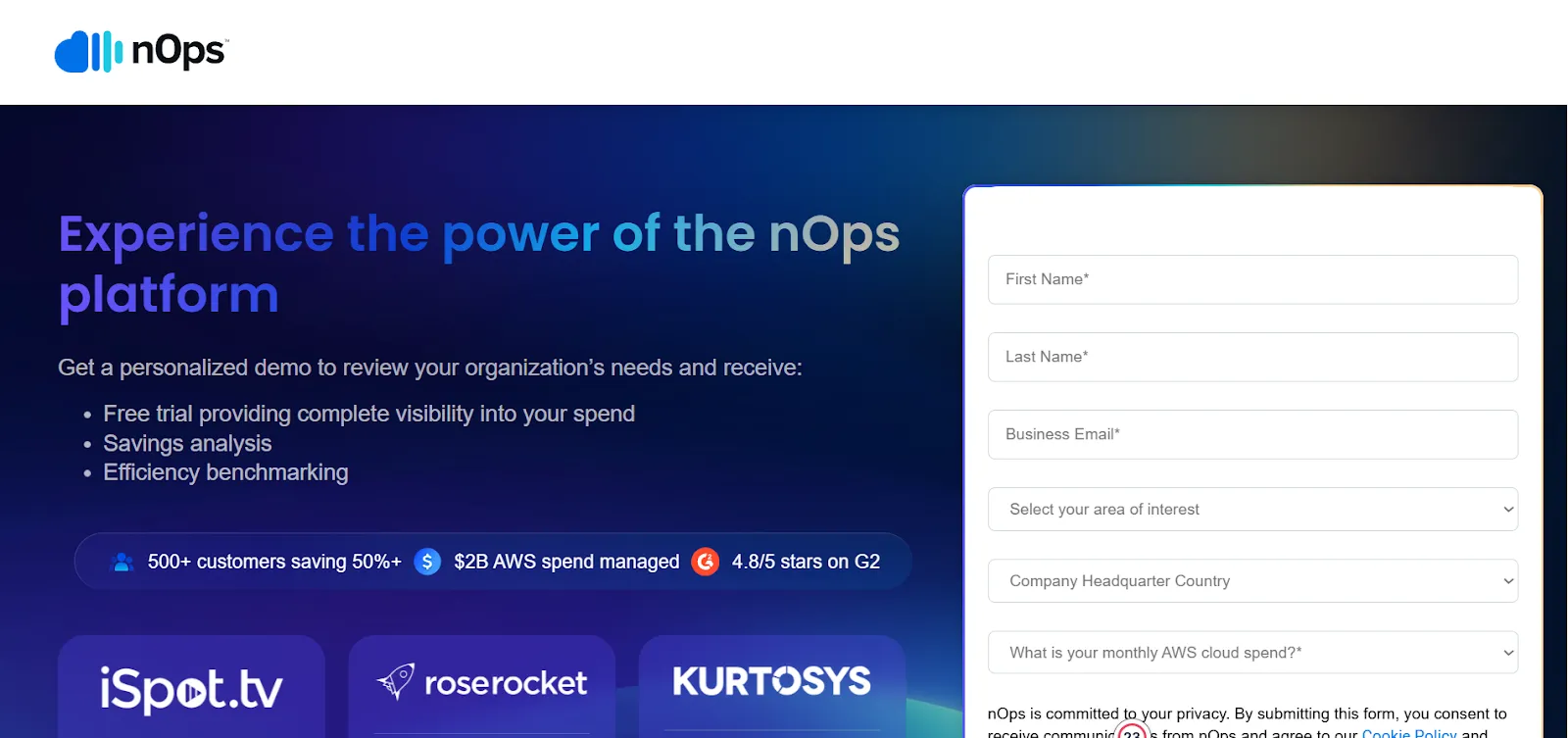
6. nOps
nOps is an AI-powered cloud optimization platform that continuously analyzes AWS environments and automates cost-saving recommendations. It simplifies tracking and optimizing spend across large AWS setups.
Key Features:
Automated cost optimization: Monitors your environment and suggests real-time cost improvements.
Real-time monitoring: Tracks usage and spending patterns around the clock.
Seamless AWS integration: Works across EC2, S3, RDS, and more for complete visibility.
Best for: Large, multi-account AWS environments that need automated optimization across the board.
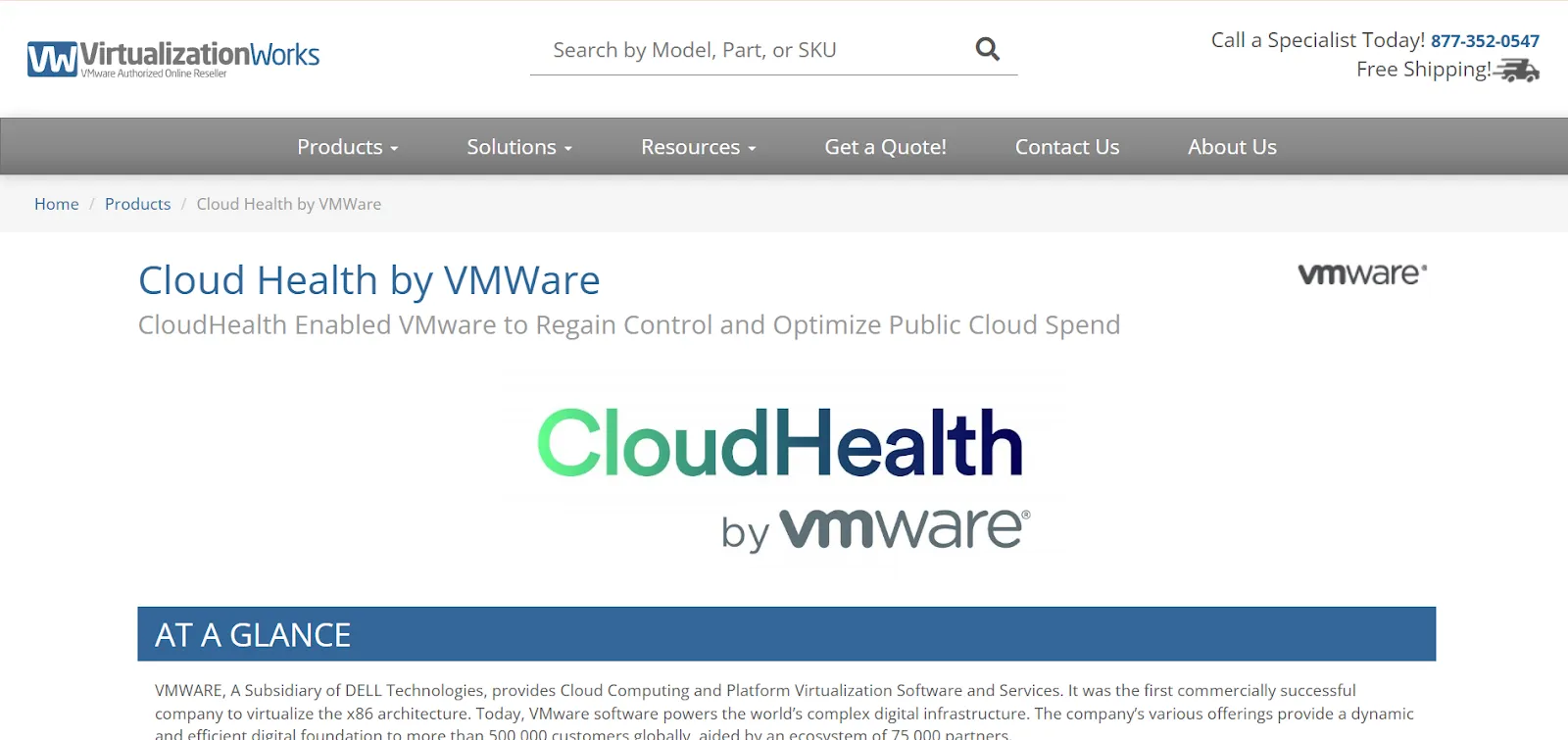
7. CloudHealth by VMware
CloudHealth by VMware provides centralized cost management for AWS and other clouds. It gives organizations a single platform to track, analyze, and optimize multi-cloud spending.
Key Features:
Cross-cloud visibility: Consolidates AWS, Azure, and GCP usage and cost data.
Cost allocation: Assigns spending to teams, projects, or departments for better transparency.
Governance controls: Helps enforce policies to align cloud usage with business goals.
Best for: Enterprises running multi-cloud or multi-account environments needing consolidated governance and forecasting.
8. CloudCheckr
CloudCheckr provides detailed visibility into AWS costs, usage, security, and compliance. It helps organizations find inefficiencies and improve financial and operational performance.
Key Features:
Cost reporting and analysis: Breaks down spend by region, account, and service.
Security and compliance monitoring: Ensures AWS configurations meet industry standards.
Automated recommendations: Suggests cost and resource optimizations.
Best for: Organizations that want both cost optimization and compliance oversight.
9. Spot by NetApp
Spot by NetApp helps reduce AWS compute costs by automating the use of Spot Instances while maintaining application performance. It is ideal for workloads that can handle flexibility.
Key Features:
Automated Spot Instance management: Manages and scales Spot Instances based on demand.
Cost optimization engine: Picks the most cost-efficient Spot Instances available.
Predictive scaling: Anticipates workload spikes to avoid disruptions.
Best for: Flexible workloads like batch jobs or stateless services that can use Spot Instances efficiently.
10. Finout
Finout provides granular visibility into AWS costs, allowing teams to track spend across features, teams, and customers. It ties cloud spending to business outcomes for clearer accountability.
Key Features:
Granular cost allocation: Tracks costs down to the feature or customer level.
Real-time monitoring: Continuously monitors usage and spend trends.
Cost forecasting: Projects future cloud expenses using historical insight.
Best for: Multi-team setups needing precise cost attribution.
11. OptScale
OptScale is an open-source platform that automates scaling, rightsizing, and waste reduction across AWS and other cloud environments. It supports continuous optimization across workloads.
Key Features:
Automated resource rightsizing: Adjusts resource usage based on changing workload needs.
Cost optimization recommendations: Provides real-time suggestions on resource efficiency.
Multi-cloud support: Works across AWS, Azure, and GCP.
Best for: Multi-cloud teams needing automation to manage fluctuating workloads.
12. OpenCost
OpenCost is an open-source solution built for Kubernetes workloads, giving teams container-level visibility into AWS spend. It helps allocate costs across pods, namespaces, and clusters.
Key Features:
Real-time Kubernetes cost tracking: Monitors spending at the container and pod levels.
Multi-cloud compatibility: Works across public and hybrid cloud setups.
Prometheus integration: Collects cost metrics natively through Prometheus.
Best for: Kubernetes-heavy environments needing detailed cost tracking.
13. CloudZero
CloudZero connects AWS costs to business metrics, allowing organizations to analyze spend by feature, application, or customer. It helps teams connect cloud usage with financial outcomes.
Key Features:
Feature-level cost tracking: Breaks down spend at the feature or application layer.
ROI-driven analysis: Maps cloud spend to business value.
Best for: SaaS and product-led teams that want cost insights aligned with business goals.
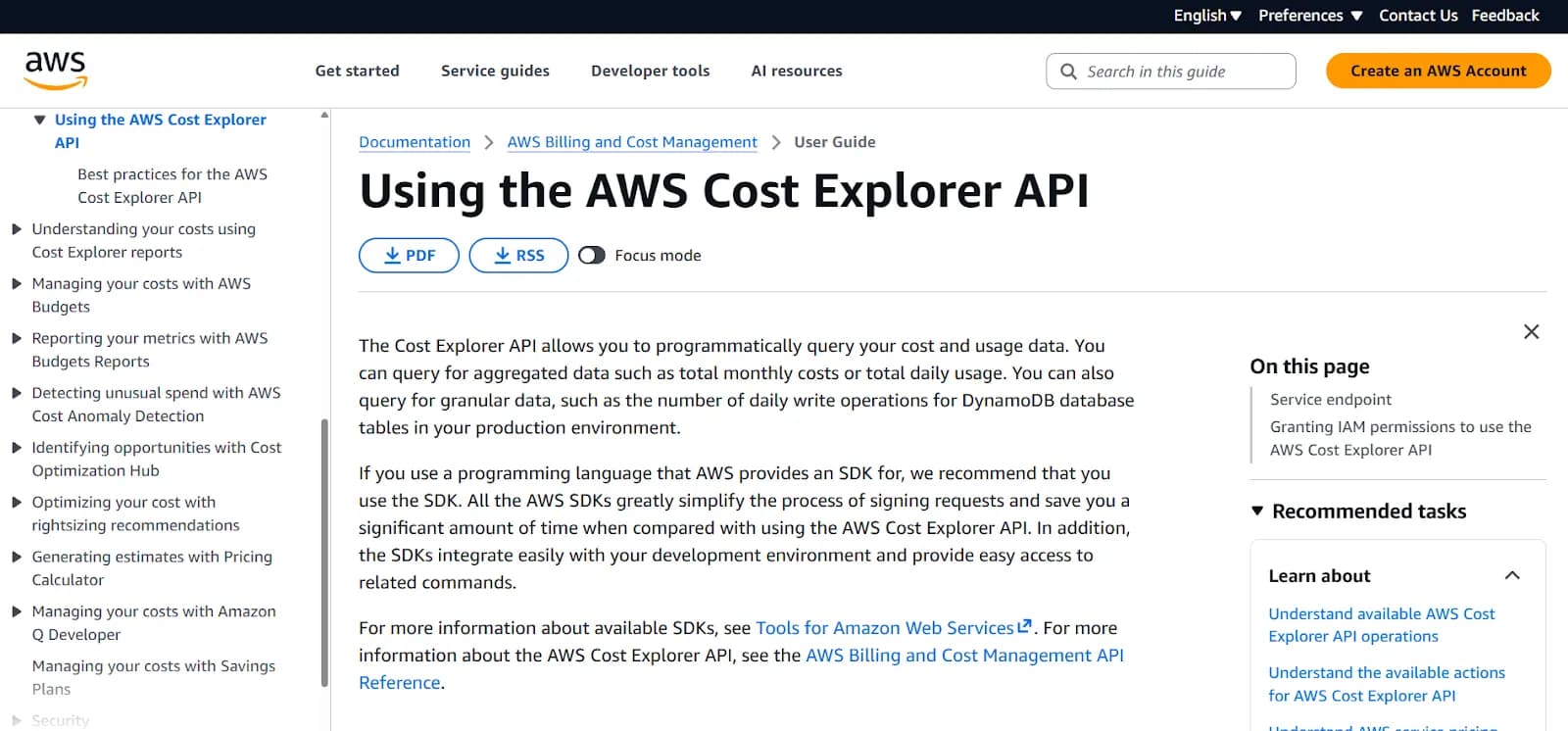
14. Cost Explorer API
The Cost Explorer API allows teams to automate access to AWS cost and usage data. It can be integrated into internal systems for automated analysis and reporting.
Key Features:
Custom reporting automation: Creates automated cost reports tailored to team needs.
Cost forecasting: Predicts future expenses using historical patterns.
Internal tool integration: Connects with accounting or custom dashboards.
Best for: Engineers needing automated cost data for internal systems or custom analytics.
15. CloudBolt
CloudBolt supports hybrid and multi-cloud environments by offering centralized cost visibility and governance. It helps optimize cloud usage across AWS and other clouds.
Key Features:
Multi-cloud optimization: Works across AWS, Azure, and GCP.
Cost allocation: Tracks spend by service, region, or team.
Cloud migration analysis: Identifies opportunities for cost-efficient migration.
Best for: Enterprises with hybrid or multi-cloud deployments needing unified optimization.
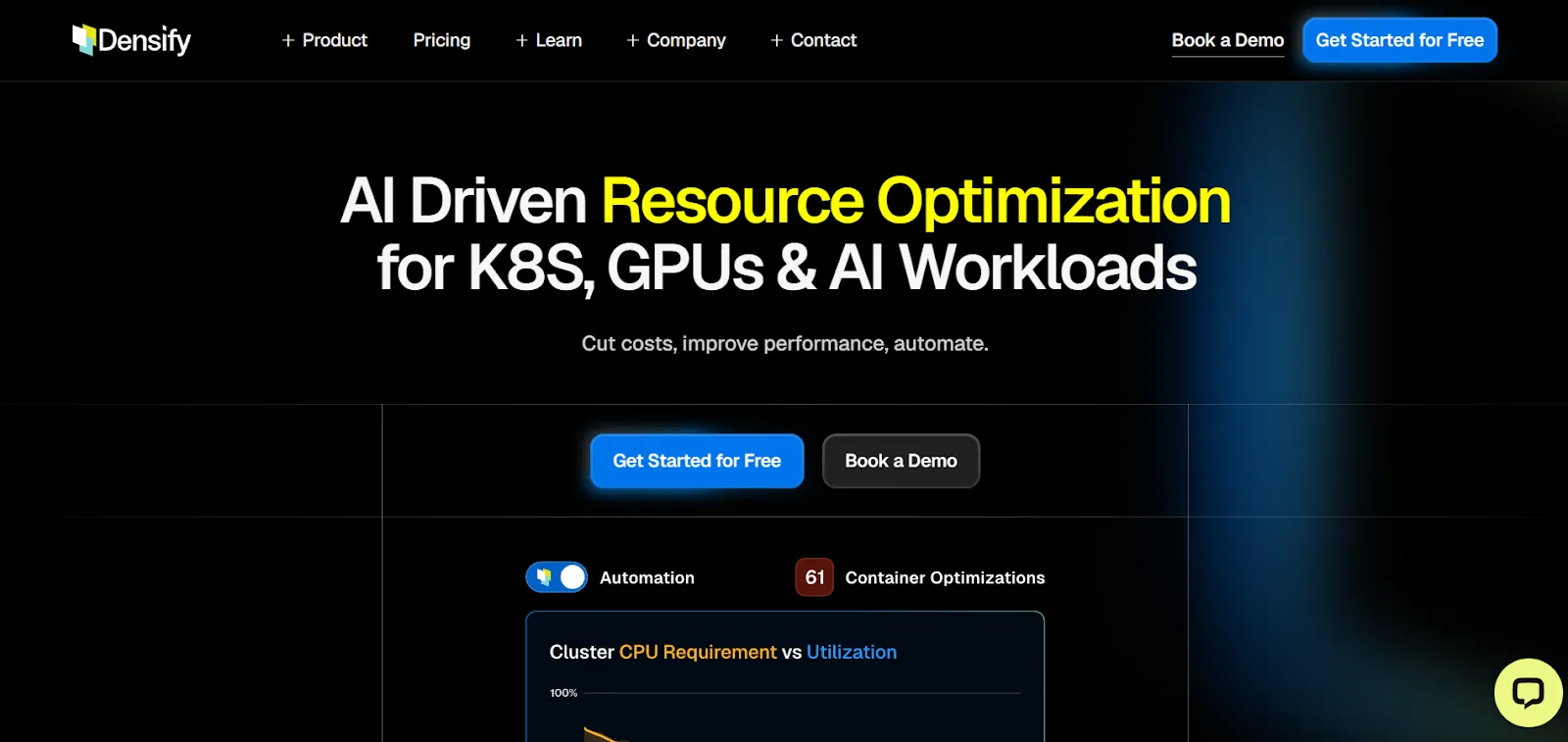
16. Densify
Densify uses machine learning to optimize AWS resource utilization and reduce cloud waste. It gives engineers predictive insights into capacity needs and resource efficiency.
Key Features:
AI-driven rightsizing: Uses ML to determine ideal resource sizing.
Capacity forecasting: Predicts future resource needs based on usage data.
Cost impact analysis: Shows the financial impact of potential changes.
Best for: Infrastructure-heavy setups that rely on capacity planning.
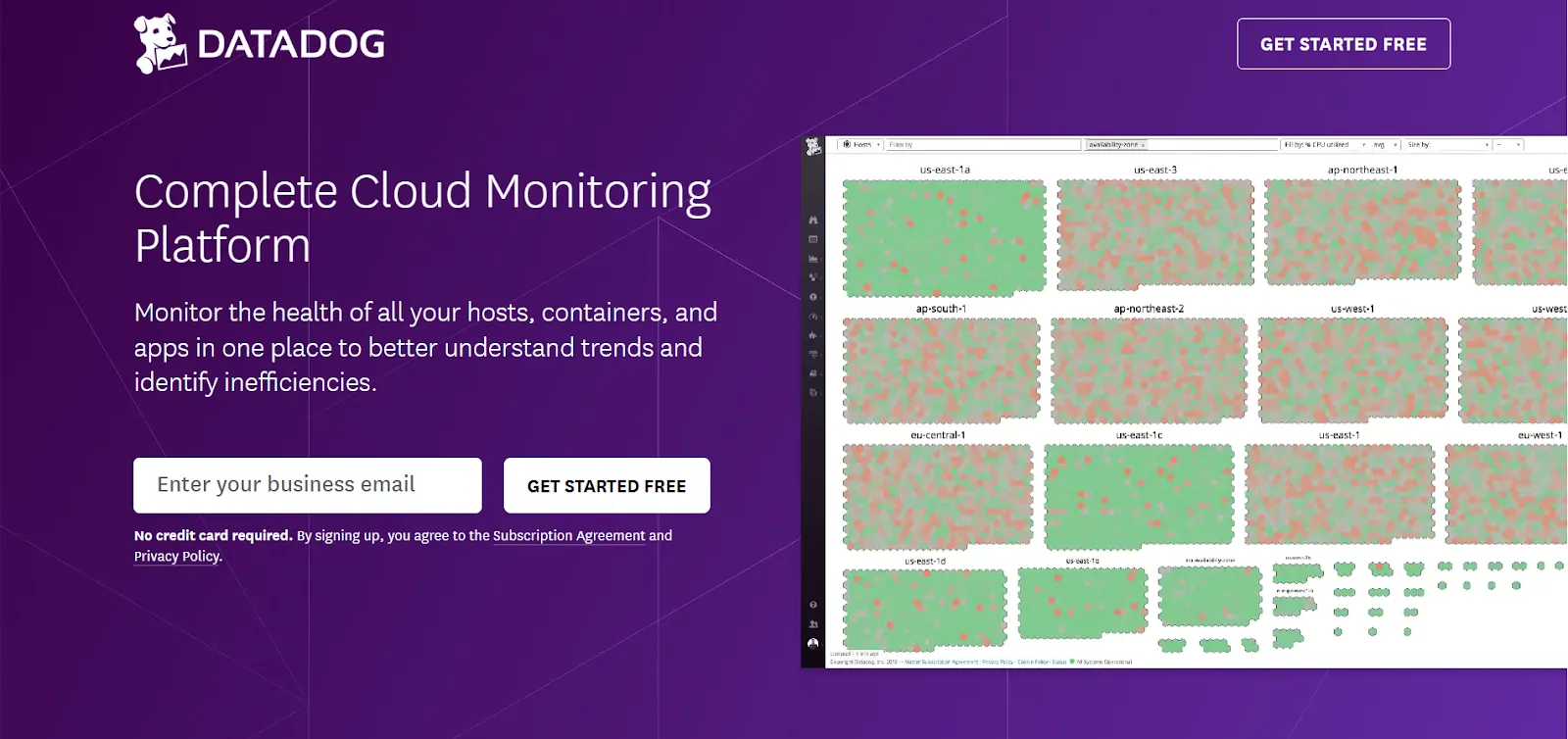
17. Datadog Cloud Cost Management
Datadog combines observability and cost management to help teams track AWS spend while maintaining operational performance.
Key Features:
Cost and performance correlation: Links AWS cost changes with performance metrics.
Anomaly detection: Identifies unexpected spend spikes using ML.
Service-level cost visibility: Provides detailed breakdowns by AWS services.
Best for: Teams that want cost data tied directly to performance insights.
18. Spotinst
Spotinst specializes in automated Spot Instance management, helping teams save significantly on compute with minimal manual effort.
Capacity management: Predicts and secures capacity during high demand.
Automated scaling: Adjusts compute resources based on workload needs.
Best for: Workloads that can handle interruptions and benefit from Spot pricing.
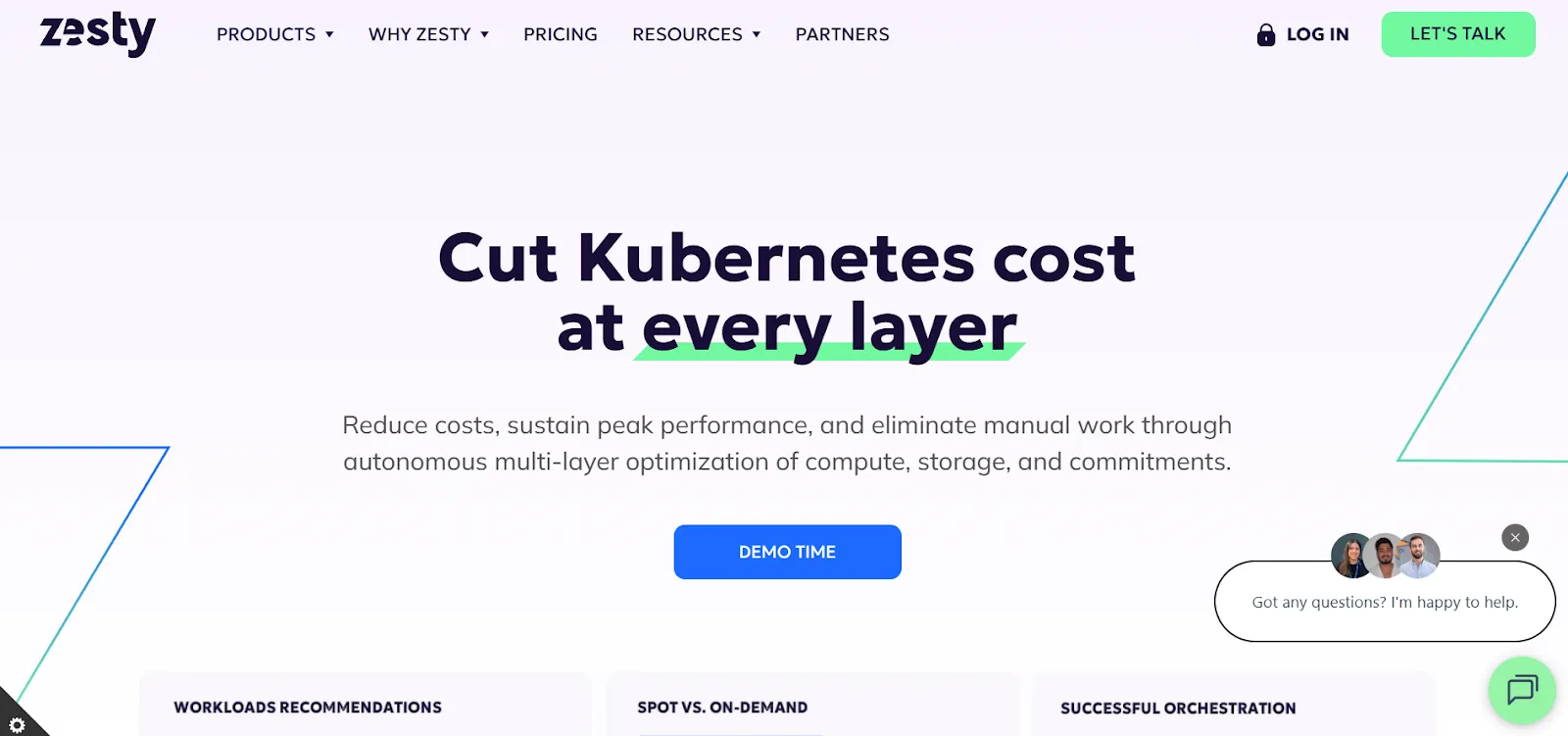
19. Zesty
Zesty improves AWS cost efficiency by automating commitment management, such as handling Reserved Instances, and optimizing storage usage. It dynamically adjusts compute and storage resources in response to real-time demand.
Key Features:
Commitment management: Automatically purchases and adjusts Reserved Instances and Savings Plans according to actual consumption.
Dynamic storage optimization: Continuously resizes storage volumes based on usage trends to eliminate waste.
Kubernetes & compute optimization: Rightsizes compute resources and fine-tunes scaling policies for containerized workloads to reduce costs.
Best for: Teams running fast-changing, containerized workloads (like Kubernetes) or those looking for automated RI/Savings Plan management and storage optimization.
20. ManageEngine CloudCost
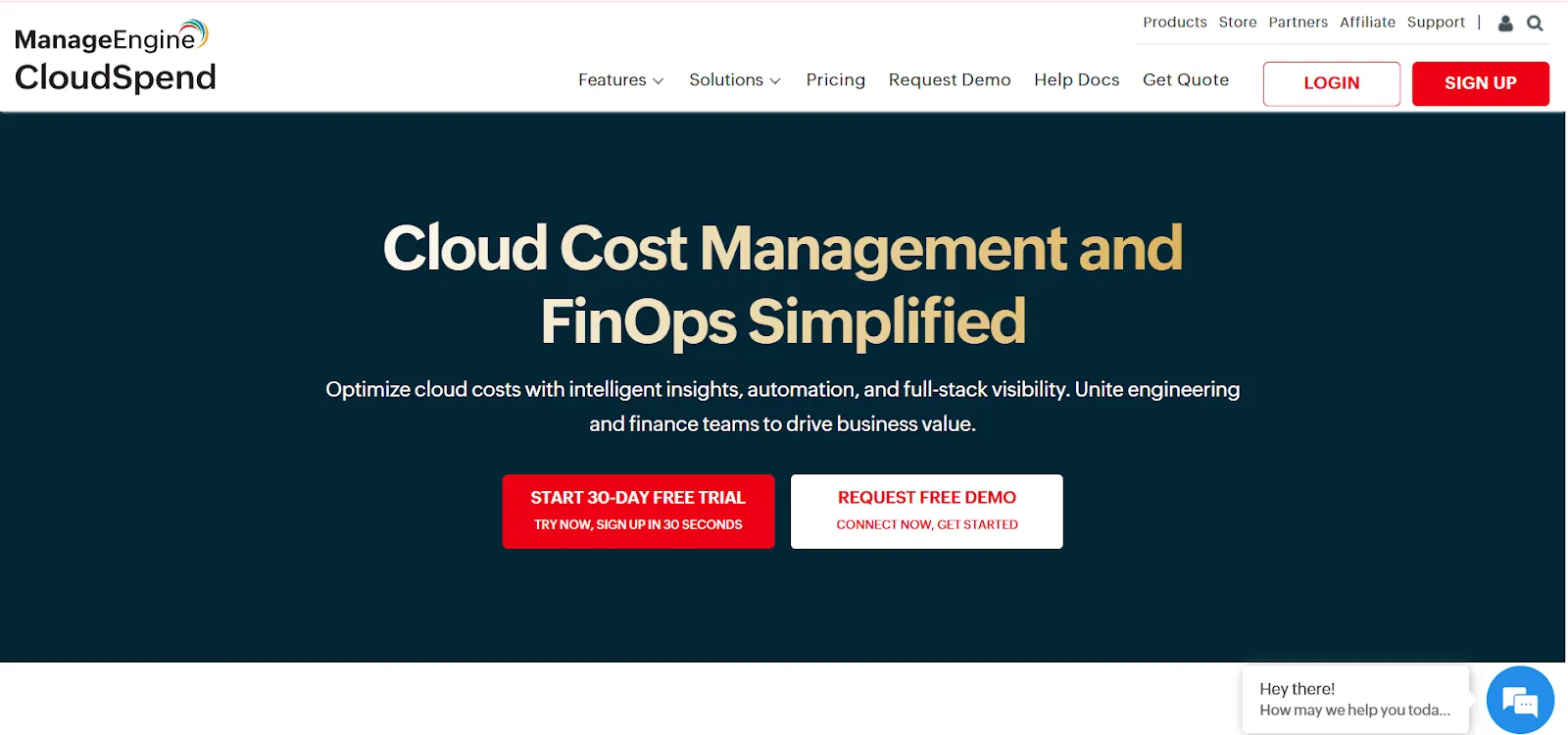
ManageEngine CloudCost offers clear visibility into AWS usage and provides automated insights to optimize costs.
Key Features:
Resource cost tracking: Tracks spending across AWS resources.
Automated recommendations: Highlights unused or underutilized resources.
Cost allocation: Breaks down expenses by team or project.
Best for: Teams that want simple, automated tracking and optimization suggestions.
21. Opsani
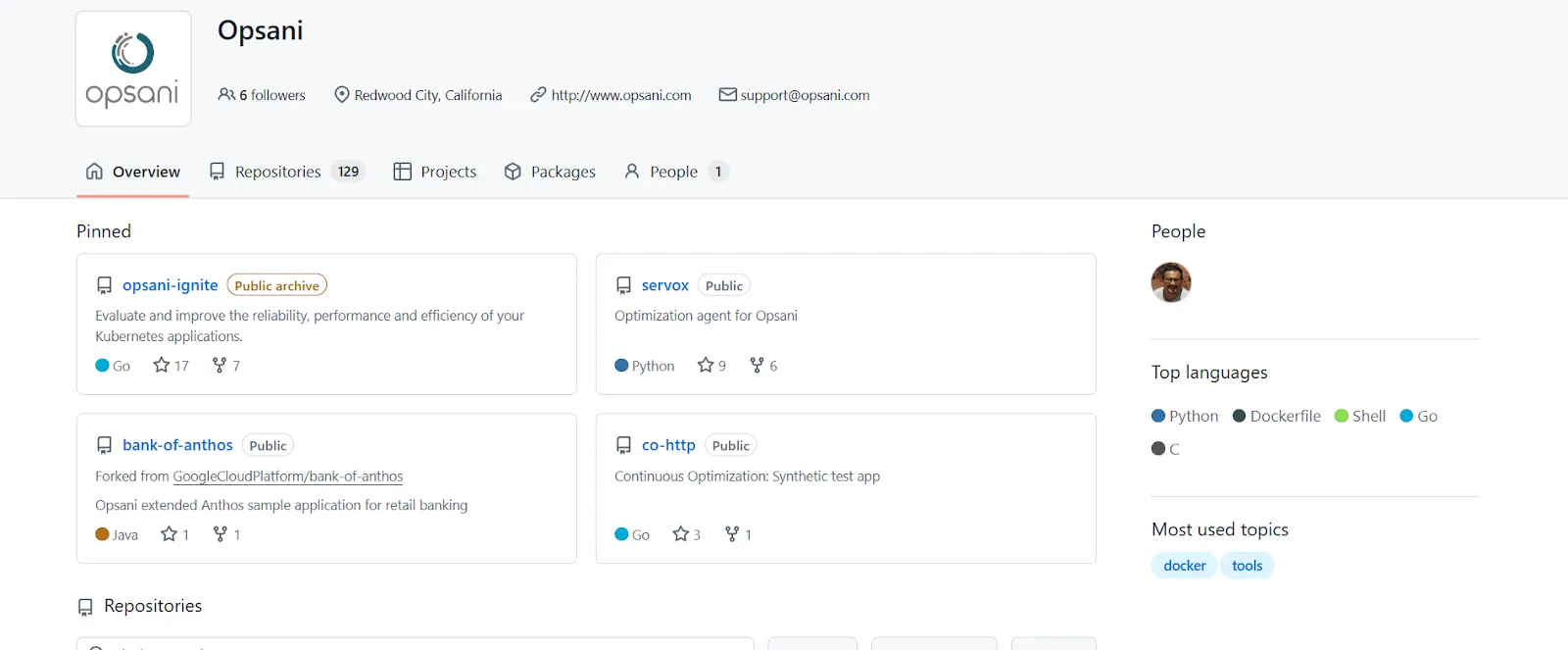
Opsani uses AI-driven optimization to continuously tune application configurations and resource allocations. It automatically adjusts autoscaler policies, CPU/memory settings, and other runtime parameters.
Key Features:
Continuous AI-driven optimization: Automatically refines AWS resource settings to improve efficiency without affecting performance.
Autoscaler and resource tuning: Optimizes autoscaling behavior, CPU, memory, and other parameters as workloads change.
Cost vs. performance balancing: Ensures environments stay cost-efficient while delivering the required performance and reliability.
Best for: Engineering teams managing dynamic, performance-sensitive workloads that benefit from continuous tuning and automated cost optimization.
22. Prisma Cloud by Palo Alto Networks
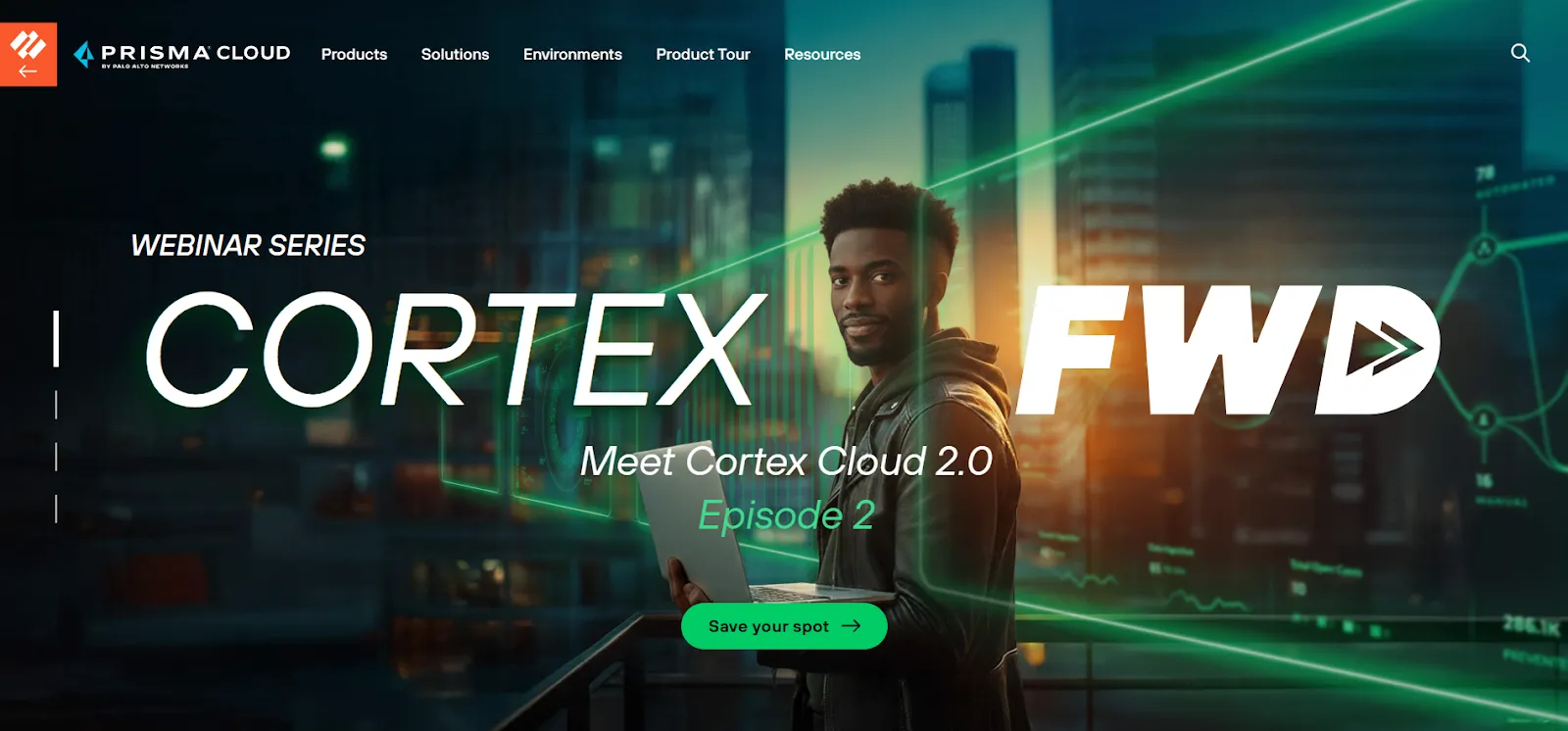
Prisma Cloud offers cloud-native security combined with cost optimization. It provides strong visibility into AWS resources while ensuring compliance and efficiency.
Key Features:
Cost and security monitoring: Tracks both optimization opportunities and security risks.
Real-time optimization suggestions: Offers recommendations based on usage trends.
AWS optimization is a continuous process. Engineering teams need to stay agile and consistently monitor resource usage and spending patterns to ensure that their cloud infrastructure remains efficient.
EC2 savings don’t come from occasional reviews but from continuous optimization. Book a demo to see how Sedai dynamically right-sizes your instances using real-time workload behavior and demand patterns.
Rightsizing resources, selecting the right pricing models, automating scaling, optimizing storage and data transfers, and implementing FinOps governance are all critical steps. But without continuous intelligence (systems that monitor, simulate, and validate changes) optimization remains reactive and error-prone.
That’s why tools likeSedai matter: by separating cost, performance, and availability into specialized agents, only changes that preserve SLAs and workload reliability are applied. The result is measurable cost savings, adaptive resources, and fewer engineering escalations, making continuous AWS optimization both safe and actionable.
1. Why is AWS cost optimization important for engineering teams?
AWS cost optimization ensures that engineering teams can maintain performance while minimizing unnecessary cloud expenses. By using the right tools, teams can avoid over-provisioning and underutilization, optimize resources, and scale efficiently.
2. How can we start rightsizing our AWS environment?
Begin by profiling workloads using AWS Compute Optimizer or similar tools. Identify instances with low CPU or memory utilization and test smaller sizes under load. Adopt dynamic rightsizing tools that continuously monitor and adjust resources. Pair rightsizing with predictive auto scaling to handle traffic spikes without manual intervention.
3. How do I measure the success of AWS cost optimization efforts?
Success in AWS cost optimization can be measured by tracking cost savings over time, the efficiency of resource utilization, and the alignment of cloud spend with business goals. Using tools that provide detailed analytics, like AWS Cost Explorer, can help assess the impact and ROI of optimization efforts.
4. Can AWS cost optimization tools help reduce unexpected costs?
Yes, many AWS cost optimization tools, especially those with anomaly detection features like AWS Cost Anomaly Detection or Sedai, can identify unusual spending patterns early. This helps teams react quickly to avoid unexpected costs, making the optimization process proactive rather than reactive.



-1.webp&w=3840&q=75)