
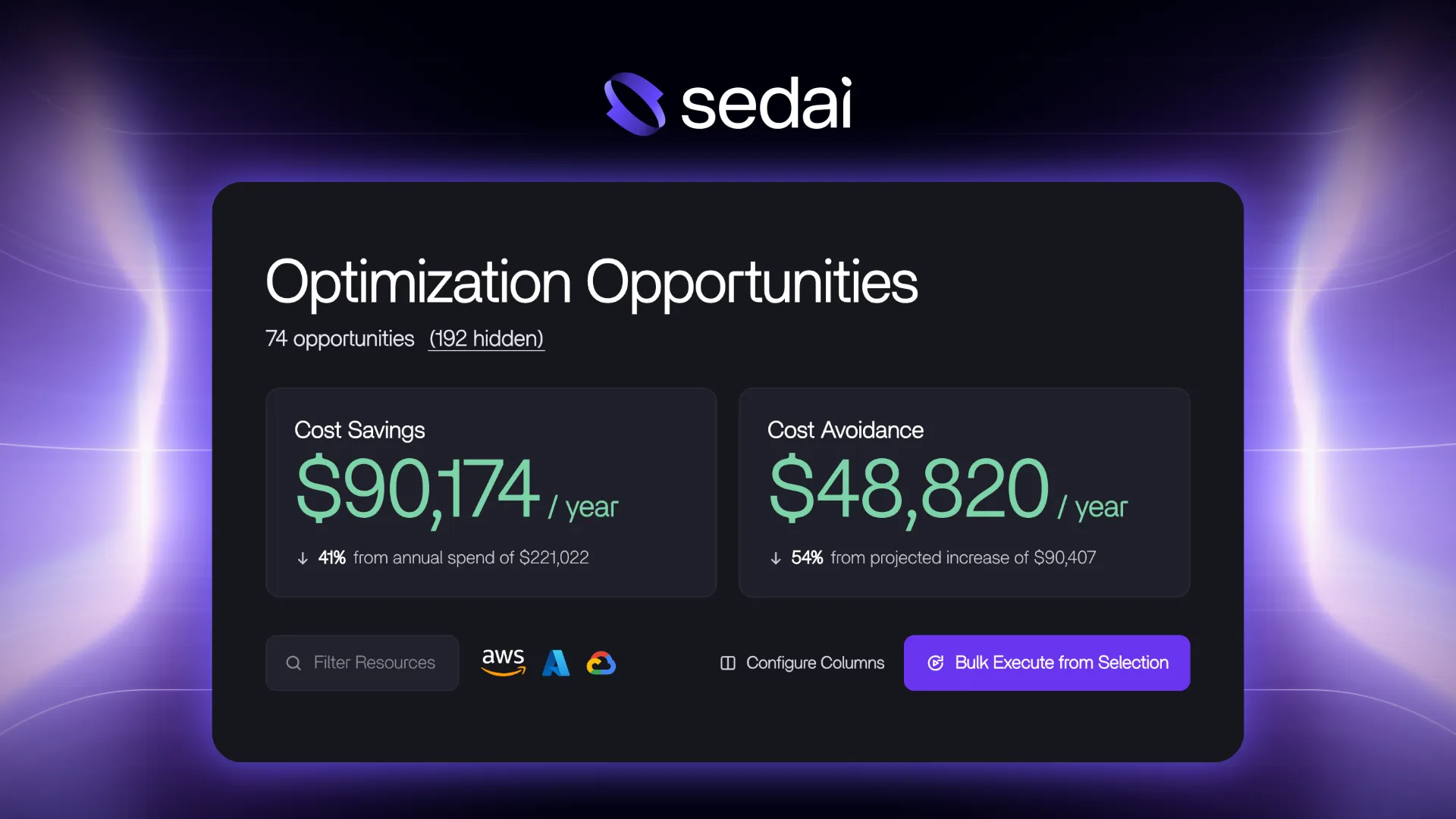
Sedai's new Optimization Opportunities experience delivers higher-fidelity savings estimates and a clear view of how Sedai will act, all before you click.
Autonomous optimization requires trust. Before you let a system change production, you want to know three things:
- What it will save
- How it will get there
- What keeps it from breaking something
Most optimization tools never have to earn that trust, because they don't act. They hand you recommendations and a directional savings estimate, and acting on them is up to you. The few that do act on their own tend to ask for trust upfront, with little visibility into what they'll change or how.
Today we're introducing the new Optimization Opportunities experience in Sedai, which answers all three questions on a single page.
Estimates built the way we measure savings
Recently, we rebuilt how Sedai calculates realized savings. The new savings and impact dashboards use actual discount data from your cloud provider, measure real operation hours for every resource, and track every scaling action, so the savings Sedai reports reconcile with your FinOps tools. Opportunities now use that same calculation engine before Sedai acts. Estimates factor in:
- Your discounts. Discounts already applied to your account are part of the math, so you're never credited with savings that won't show up on the bill.
- How resources actually run. Scaling patterns and run-time count. A VM that's off half the time shows half the savings potential.
- The path, not just the destination. Sedai optimizes in safe increments, so each opportunity shows the savings from the next step alongside the long-run target. If the next step saves $35 on the way to $55, you see both.
Opportunities also now cover GPU resources, so the most expensive part of many AI workloads gets the same treatment.
These are still estimates. Sedai may learn partway through that a resource can only be reduced so far without affecting performance. But they're now built on the same foundation as your realized savings, which means you can plan around them.
Every opportunity in one view
The Opportunities list no longer splits opportunities across tabs based on the type of resource. Every opportunity shows up in one place, with new filters to narrow down to what you care about.
An opportunity page that explains itself
Open any opportunity and the page starts with what matters most: the action to take and what happens next. Scroll down and it walks through everything behind it.
- The analysis. The metrics and SLOs behind the recommendation, right on the page instead of in a separate tab.
- The optimization plan. The incremental steps Sedai will take, rather than a single jump from where you are to where you'll end up.
- Safety checks. What Sedai verifies before a change and confirms after it.
- Execution. Whether the change runs in Copilot mode, waits on a ticket approval, or is scheduled for a maintenance window, and when it will run. Links to the audit trail, Jira tickets, and IaC write-back are right there too.
Sedai does a lot under the hood, because safe autonomy requires it: reinforcement learning, pre-execution checks, post-change verification. The new page makes that depth easy to follow. Teams that previewed it told us it also helps new engineers get up to speed without reading the docs.
If your numbers look different
If you're already a Sedai customer, you may notice some opportunity values change. Nothing about the underlying optimization is different. The estimate now uses more of what Sedai already knows about your environment, including your discounts and how each resource runs, so it's a closer match to what you'll realize. Your account team can walk you through the specifics.
Part of a bigger picture
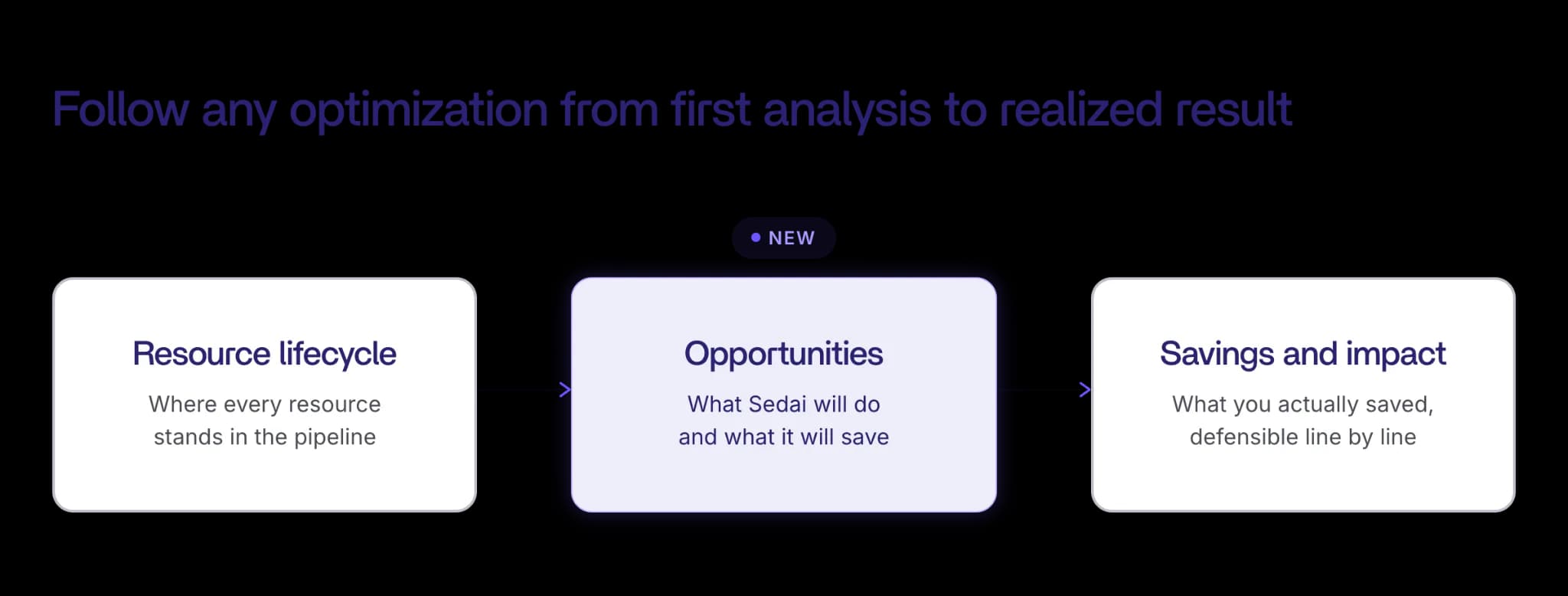
Over the past few months, we've been rebuilding how Sedai shows its work. The savings and impact dashboards makes realized savings something you can defend line by line. The Resource Lifecycle dashboard gives you a real-time view of where every resource stands in Sedai's optimization pipeline, from analysis to review to execution.
The new Opportunities experience fills in the piece between them. Resource Lifecycle shows where everything stands. Opportunities shows what Sedai will do with each resource, what it expects to save, and how it will get there. Savings and impact shows what you actually saved. Together, they let you follow any optimization from first analysis to realized result.
See it in action
The new Opportunities experience is available now to all Sedai customers. Book a demo to learn more.


